Sports
Sports Browser Games: Check the Rules, Scoring and Controls
UA Games Team · Published · Updated
A sports-themed browser game can use rules that differ from the real sport. Start in the sports games collection, read the selected game's description and look for its instruction screen.
Check how a turn works
Before playing, find out how the game starts a turn, registers an input and shows the result. Learn how scoring is displayed and whether a round can be restarted. Avoid assuming that another sports game's controls apply here.
Titles to explore
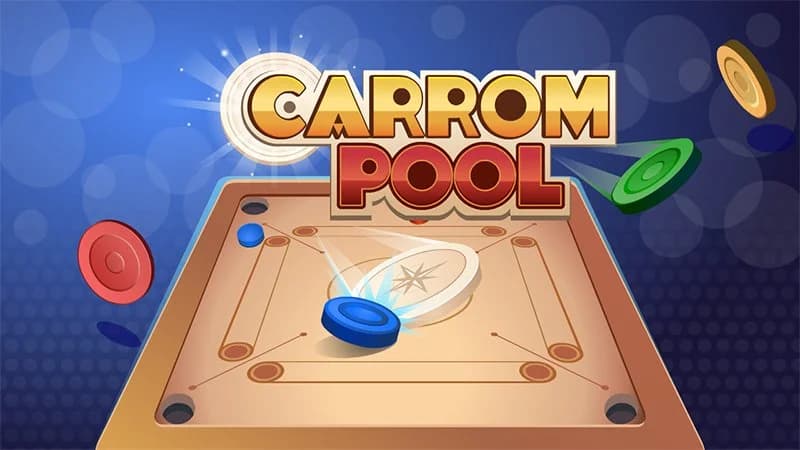
The catalog includes Bowling, Basketball Legend and Carrom Pool. Open their pages for the available descriptions and game frames. These are examples from the catalog, not verified multiplayer or device-support recommendations.
Multiplayer needs its own check
Two characters on a screen do not necessarily mean online multiplayer. Check whether the game offers local play, online rooms or computer opponents before inviting someone to join. The site's Share game button sends a page link; it does not create a multiplayer lobby.
Save a title or find another game
Save game keeps the title in this browser's homepage collection. It does not save scores or synchronize progress between devices. Use the related-game shelf to explore another game in the same category.
If the frame is slow or blank, try the loading troubleshooting steps and report continuing problems with the title and page URL.
Find your next game
Open a title to read its description and check its own instructions.
Explore games →